How I Built a Production-Ready Booking System in Laravel (Architecture & Best Practices)
How I Built a Production-Ready Booking System in Laravel (Architecture & Best Practices)
In many tutorials, booking systems are shown as small demo projects. But real-world booking platforms — whether for appointments, tours, or services — need a much more careful structure.
In this article, I’ll walk through how I design and build a production-ready booking system in Laravel, based on real project experience — focusing on database design, validation, performance, and maintainability.
This is not a copy-paste tutorial — it’s a practical architecture guide.
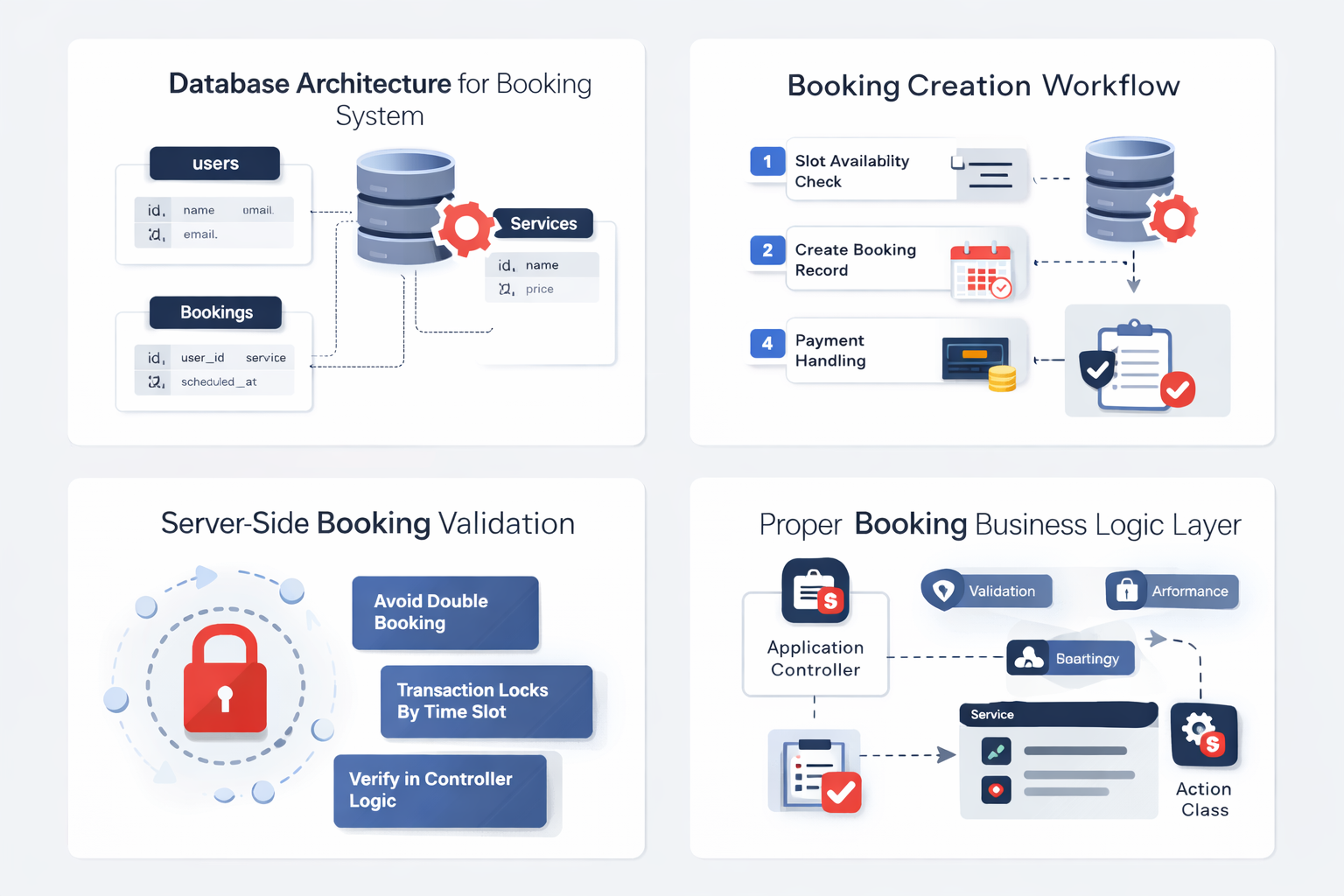
Start With Data Model — Not Controllers
Before writing any controller code, I design the database flow first.
A typical booking system needs:
users
services / offerings
time slots
bookings
payments
status tracking
audit timestamps
Instead of storing everything in one table, I separate responsibility:
bookings → core record
payments → transaction layer
slots → availability layer
This keeps queries clean and scalable.
Use Status Pipelines — Not Boolean Flags
Avoid fields like:
Instead use:
This allows:
easier filtering
better reporting
cleaner business logic
future status expansion
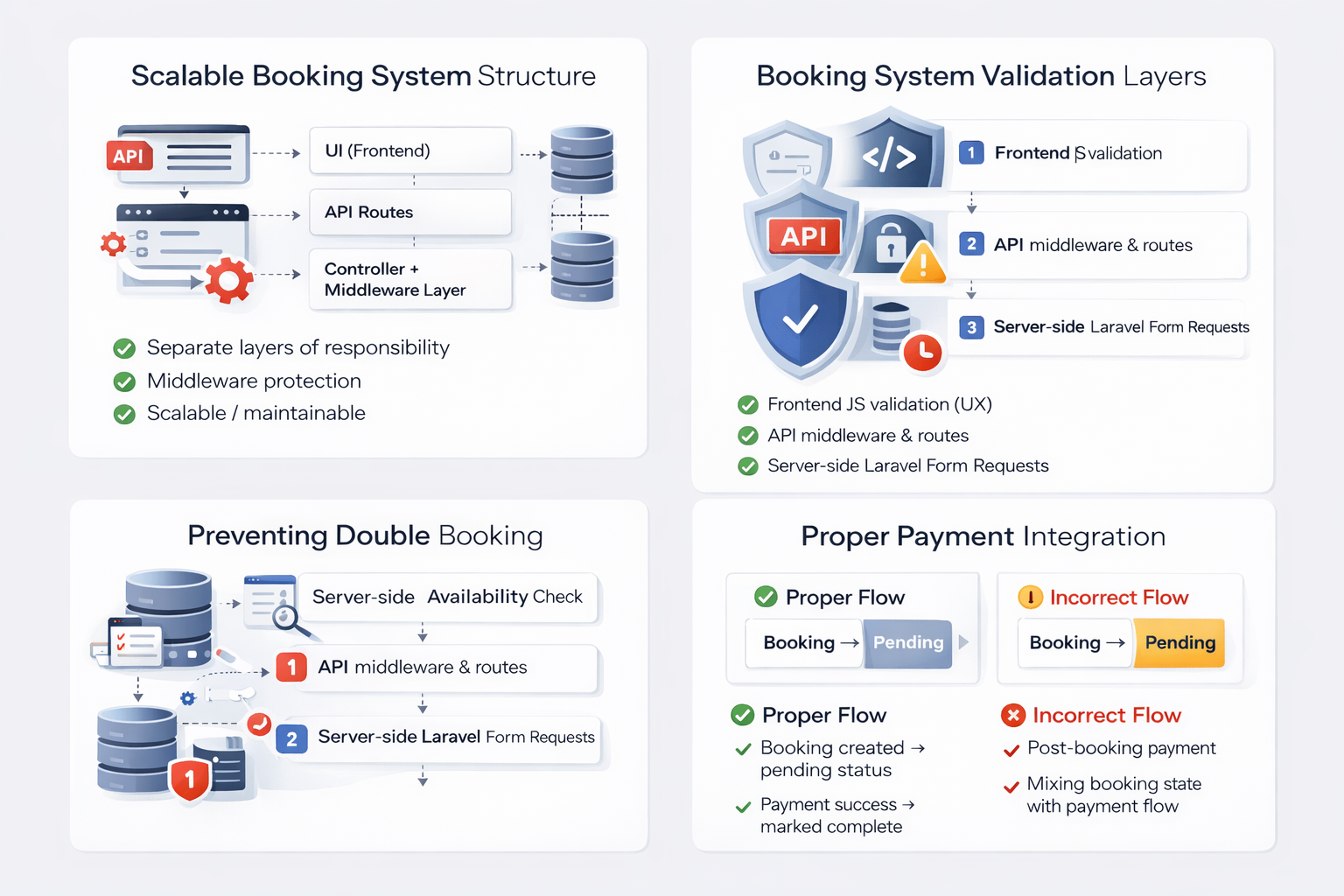
Validation Is a First-Class Layer
I always use Laravel Form Requests — not inline validation.
Example responsibilities:
date rules
slot availability check
duplicate booking prevention
capacity limits
Validation should stop bad data before it reaches business logic.
Prevent Double Booking Properly
Never rely only on frontend slot checks.
Use:
database constraints
transaction locks
server-side availability verification
In critical flows, I wrap booking creation inside DB transactions.
Keep Business Logic Out of Controllers
Controllers should coordinate — not calculate.
Move logic into:
service classes
domain helpers
action classes
This makes:
testing easier
debugging cleaner
scaling safer
Payment Layer Should Be Separate
Booking creation and payment confirmation should not be tightly coupled.
Correct pattern:
This prevents inconsistent records.
Logging and Audit Fields Matter
Always store:
confirmed_at
cancelled_at
completed_at
These fields help in:
reports
dispute handling
analytics
admin dashboards
Performance Considerations
For booking dashboards:
Use eager loading:
Avoid N+1 queries — especially in admin panels.
Final Thought
A booking system is not complex because of forms — it’s complex because of state, timing, and data integrity.
When designed with proper layers, Laravel handles it beautifully.
Build structure first — features second.
Project Gallery

Paramjeet Yogi
Web Developer & Blogger passionate about Laravel and modern web development.
Comments
Be the first to comment!



Leave a Comment